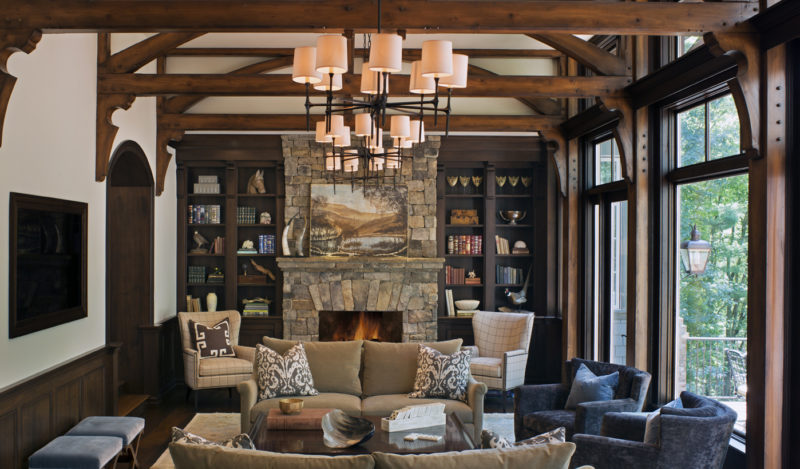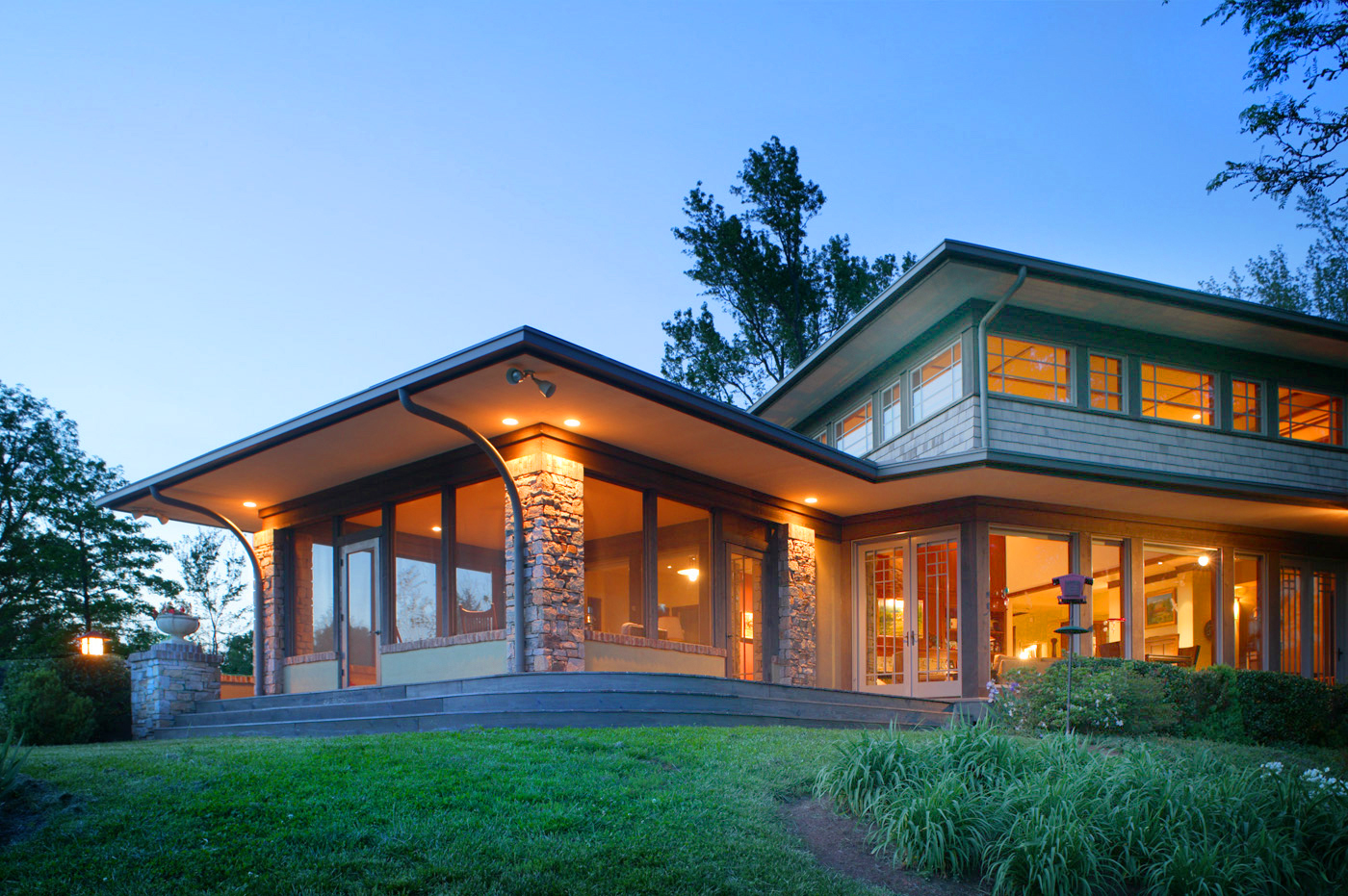


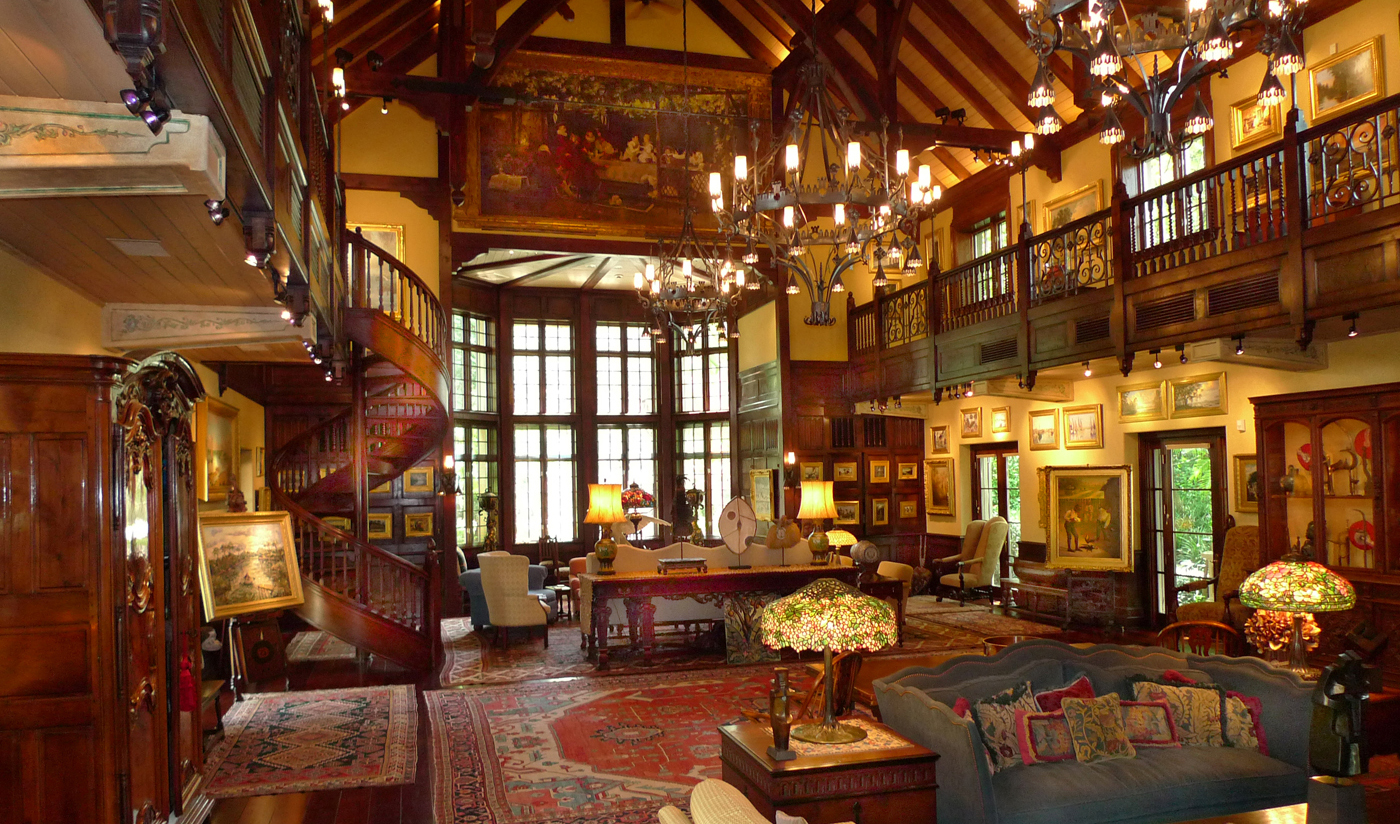

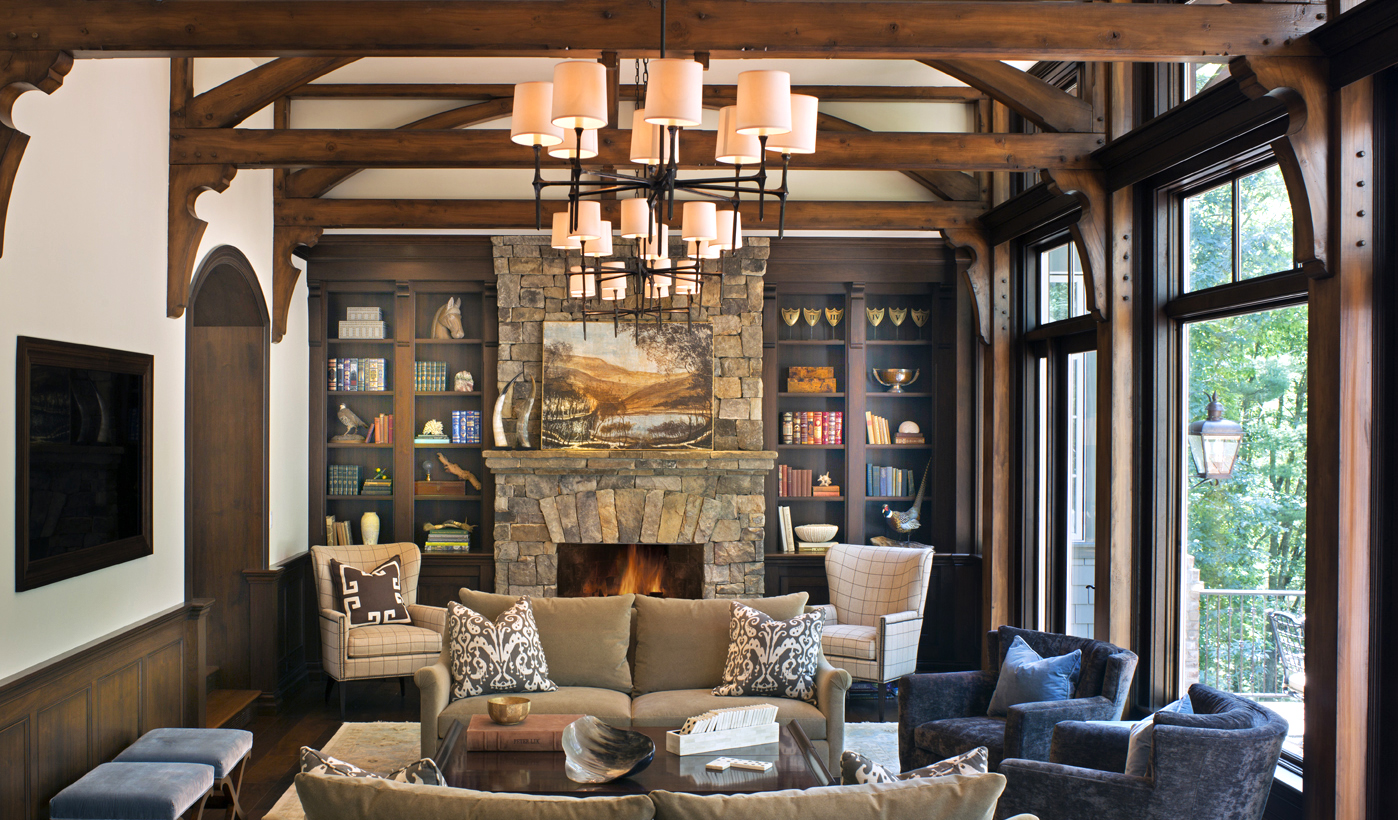



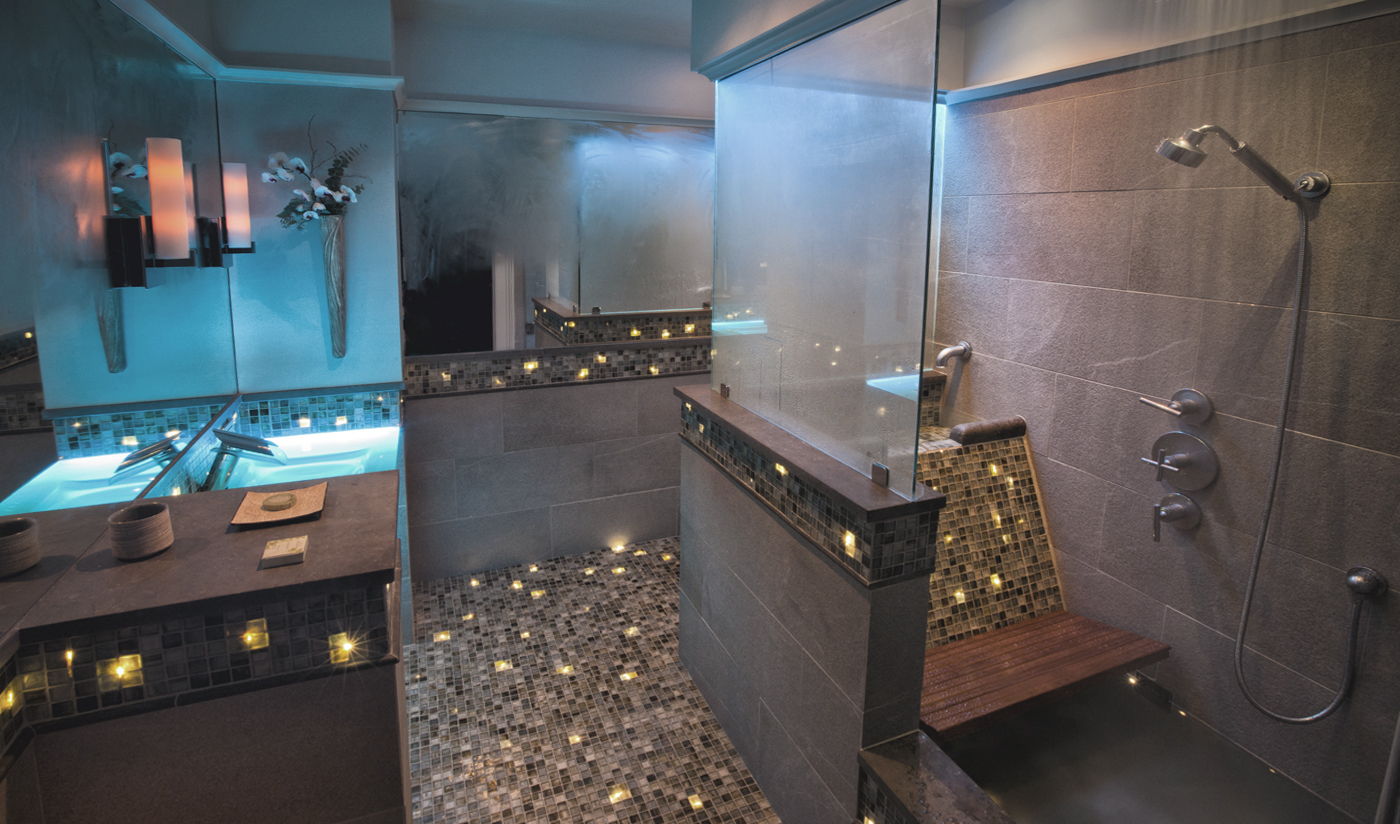



Carolina Architecture & Design - Cloud Residence, 2004
Southern Living - Miller Residence, Febuary 2004
Style 1900 - Mills Residence, 2004
American Bungalow - October 2000
Brick Watch - Focus on Paving, Patio's and Garden Spaces, 1999
Architecture Magazine & Design - July 1998
Residential Architect - March-April, 1997
Southern Living Magazine - April, 1997
Southern Living Magazine - March, 1995
North Carolina Architecture - May 2001
North Carolina Architecture - Cover Story - March, 1989
Architect for Design Review at the Cilffs at Walnut Cove
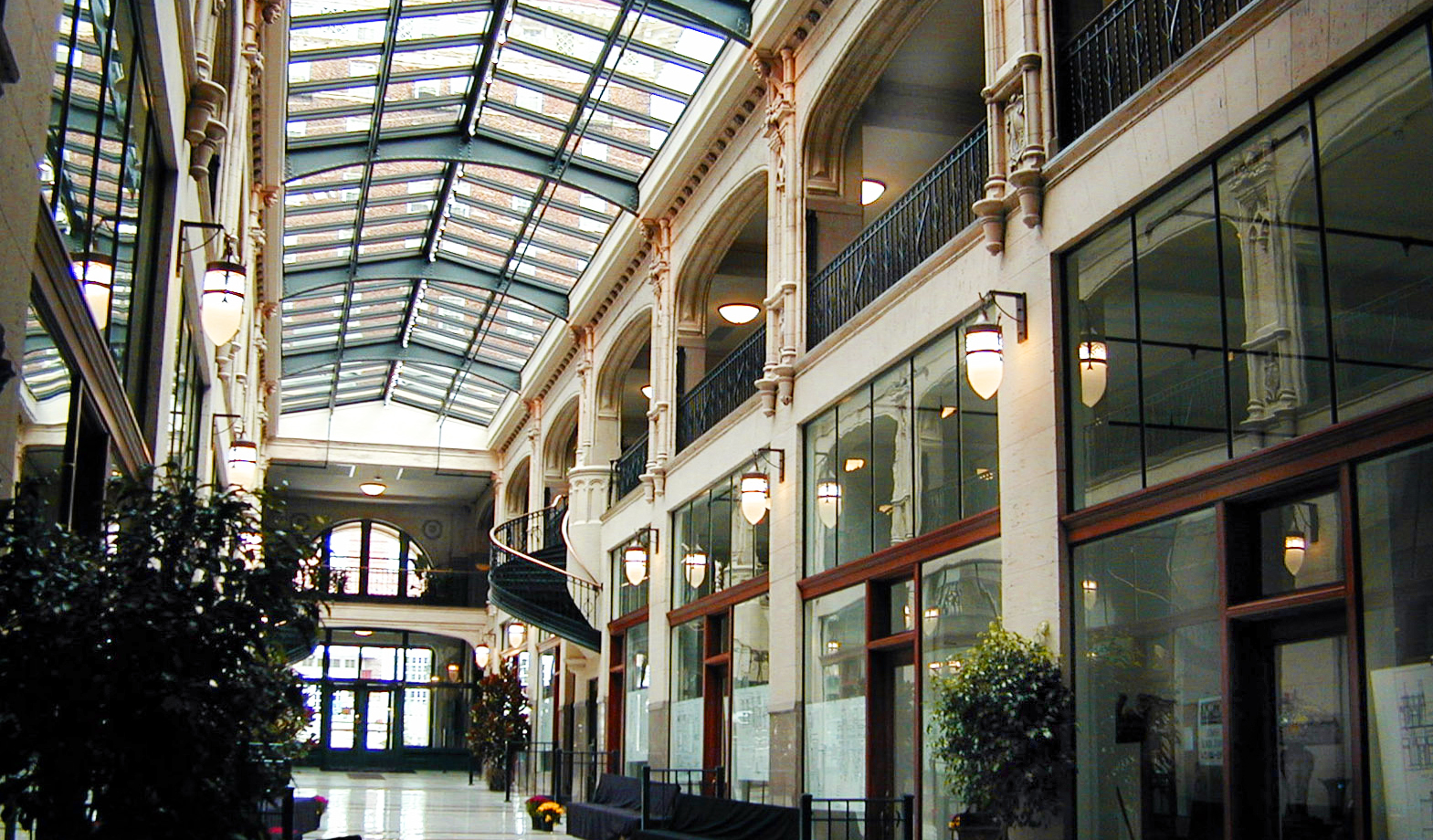
North Carolina AIA Honor Award for The Grove Arcade, 2003
Griffin Award for The Grove Arcade, 2003
Griffin Award for McDonalds, 2002
Griffin Award for Commercial Rehabilitation, Morgan Stanley, 2001
Sondley Preservation Award, Historic Resources Commission
ADAC - Designer of the Year Award, 1996
International Excellence in Masonry Award - Second Place for residential projects, 1995
Robert E. Stipe Professional Award, The Historic Preservation Foundation of NC, 1994
Participated in Asheville Art Museum's Designer Showcase Show, 1994
North Carolina AIA Tower Award for the Manor Inn, 1993
Local Award for the Manor Inn, 1993
Carraway Award from the State Historic Preservation Foundation, 1989
Featured On
The Public Broadcasting Station - The Grove Arcade, 2003
The Travel Channel - McDonald's as The most Elegant McDonald's in the World, 2002Enter New Text
Griffin Architects, P.A. has grown from a private practice founded in 1979 to a full service architectural firm. With a permanent staff of three registered architects and four intern architects, a team environment provides an unparalleled diversity in service. We are experienced in single and multifamily custom residential designs, as well as commercial developments, environmental & community planning, and historic preservation. Griffin Architects continues to be recognized locally, nationally & internationally for design and preservation excellence.
Adjunct to the firm is: Fireside Antiques and Interiors, which offers a broad range of additional interior services and extensive resources including North Carolina manufactured furniture and european antiques for a total design.
Griffin Architects appreciates the opportunity to work with clients on a personal level and feels that it is the client’s input that makes a project successful. Clients’ desires and needs are foremost in our unique design process.
Griffin Architects, P.A. has grown from a private practice founded in 1979 to a full service architectural firm. With a permanent staff of three registered architects and four intern architects, a team environment provides an unparalleled diversity in service. We are experienced in single and multifamily custom residential designs, as well as commercial developments, environmental & community planning, and historic preservation. Griffin Architects continues to be recognized locally, nationally & internationally for design and preservation excellence.
Adjunct to the firm is: Fireside Antiques and Interiors, which offers a broad range of additional interior services and extensive resources including North Carolina manufactured furniture and european antiques for a total design.
Griffin Architects appreciates the opportunity to work with clients on a personal level and feels that it is the client’s input that makes a project successful. Clients’ desires and needs are foremost in our unique design process.
The Gallery can be rearranged many different ways. Please see the ReadMe.htm file for further instructions.
This is the same module as the previous with a few altered settings. The gallery is now created from an xml file instead of a directory. Also the gallery has been attached to the smooth scroller 2 module.
Customizing
Open the thumbnails module and set imagesFromDir
var imagesFromDir = false
Please see the demoSite.fla source for working examples.
Editing
When editing your website, right click over Gallery thumbnails and "Select a File" and choose an xml file of images. You will find the example gallery.xml file in the data/xml directory. Flashblocks ML will take care of the rest, creating both thumbnail and full size images to the specified dimensions.
The Quotes Module fades in and out displaying a list of quotes to the visitor. The speed at which each quote is displayed varies depending on the length of each quotes text and the speed that the designer designated while designing the website.
This Module allows the administrator to easily add, delete and rearrange items, all from withing Flashblocks ML.
Scroll through and select the product that you wish to learn more about. Then select the product from the description area, on the right, to add that item to your PayPal shopping cart.
This example is, once again, created by the List Module. The contents are the same as those found in the previous example Although this time, on the right, there is an additional movie clip, that displays the full text from the original list. As before products may be added, rearranged, edited, and deleted by the administrator.
The List Module powered News feed allows for many more options then previously available. Display news in a running list or, as in this example, display just the headlines, with additional viewable details, as in the News 2 example that follows.
All three of these News Example are reading from the same file, list_news.xml.
Right-Click or press Ctrl+Shift while your mouse is over each module to see editing options.
The News Module and RSS Subscription Module work well together allowing your visitors to view your latest news and subscribe via RSS feed.
Administrators may edit multiple news files, in RSS format, right from Flashblocks ML, adding, deleting and rearranging news items.
Right-Click or press Ctrl+Shift while your mouse is over each module to see editing options.
It's easy to create this gallery in Flash with Flashblocks ML. All you need is a directory of images or a single XML file and everything will be resized and created for you.
Editing from a Directory
When editing your website, right click over the Gallery thumbnails and "Select a Directory" of images. Flashblocks ML will take care of the rest, creating both thumbnail and full size images to the specified dimensions.
Designing
Just drop the "Gallery thumbnails" movie clip onto the stage and give it a unique instance name. Resize it to the dimensions you wish for the scrolling thumbnails.
Then drop the "Gallery full size image" movie clip onto the stage and give it a unique instance name. Resize it to the dimensions you desire for your full size image.
Customizing
Open the movie clips, "Gallery thumbnails" and "Gallery full size image". You will see many option for customizations. Please see the ReadMe.htm file for further instructions.
This Template example uses individual external XML data files for each template instance.
Edit the menu below and change the template from horizontal to vertical layout. The image will automatically resize and crop to fit the new template. Text will auto wrap to fit the new template.
Flashblocks Template Example 2
TEMPLATE1 EXAMPLE
The template movie clip is attached from the library and given a unique instance name to differentiate each instance's data. In this example we store all data in the current data file.
Feel free to contact Flashblocks from here. Also consider using the forum for technical issues, ideas and helpful hints.
It is very simple, while logged in, to change the email address that this form is sent to. Just Right-Click or press Ctrl+Shift while your mouse is over the send button to see the necessary editing options.
Flashblocks Template Example 1
info@flashblocks.com
$120 Flashblocks ML additional license.
Ask about bulk licenses as low as $30 each.
$240 Flashblocks ML
The Flash Content Management System.
On this page you will find two PayPal Modules. Both allow the visitor to easily add items to a PayPal shopping cart.
The first example, on the left, is created by the List Module. It is very powerful allowing for products to be added, rearranged, edited, and deleted by the administrator. Scroll through and select the product that you wish to add to you PayPal shopping cart.
The second example, on the right, is less dynamic but even easier to add to your website and even simpler to edit.
Try editing content now. Right-Click or press Ctrl+Shift while your mouse is over each module to see editing options.
Two years after the well received release of Flashblocks Developer, comes Flashblocks ML, the Flash CMS component set. Flash Content Management is now more powerful, endlessly expandable, and yet simple.
You are welcome to login and immediately start editing this websites content. Just Right-Click or press Ctrl+Shift to Login and begin. Once logged in, you will see glowing areas, designating content that you may edit. Move your mouse over each glowing area and, once again, Right-Click or press Ctrl+Shift. This time you will see editing options, specific for each type of content that your mouse is placed over. Explore, relax, and have fun. Flashblocks ML is easy.
This demonstration website comes with your purchase of Flashblocks ML. The source is included, and all of the modules that you see here are fully customizable, allowing you to learn from example and get up to speed quickly.
Welcome to Flashblocks ML